
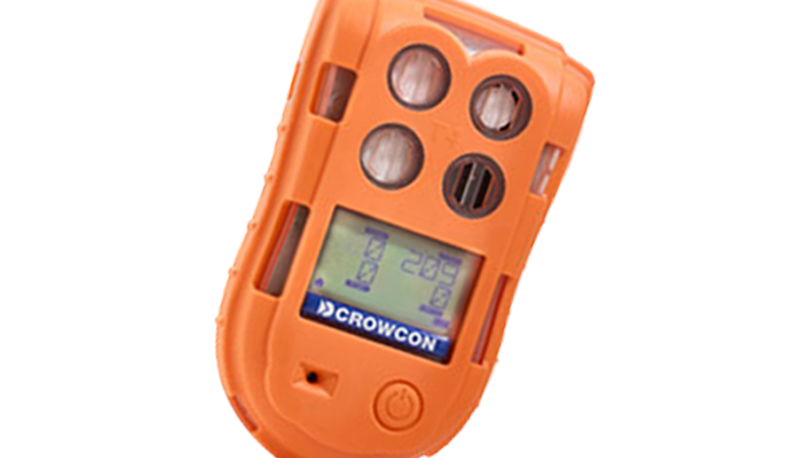
ENTER Button (●)
Short press: acknowledge/reset an active alarm. Hold ~1 s: power on. Hold ~3 s: power off. Hold ~1.5 s in normal mode: enter menu. In menu: confirm selection.
LEFT / RIGHT Buttons (◀ ▶)
RIGHT short press: cycle display modes Live → Peak → STEL → TWA (returns to Live after 20 s idle). LEFT / RIGHT navigate menu items. In menu: ENTER confirms the highlighted item.
Menu & Zero Cal
Hold ENTER ~1.5 s from normal mode to open the menu. Navigate with LEFT and RIGHT, then press ENTER to select. Choose ZERO CAL and press ENTER — a 10-second fresh-air zeroing sequence runs automatically. Use EXIT to leave the menu.